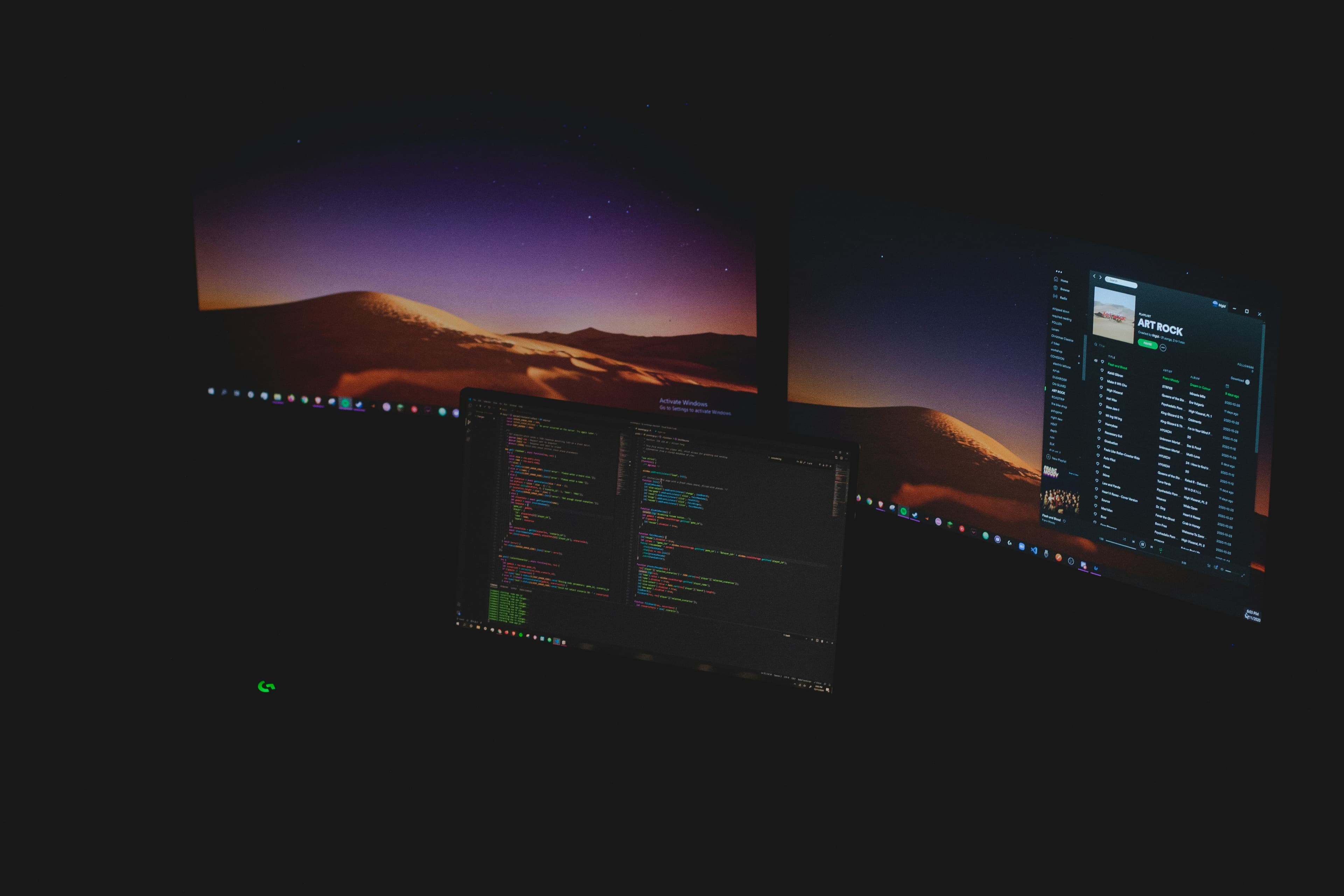
My VS Code Setup in 2026 — Extensions, Themes & Productivity Hacks That Actually Matter
I spent fifty hours this month tweaking my VS Code setup. Fifty hours. That is more than a full work week. Most of it was useless. But some changes genuinely changed how I code.
This is not another best extensions list. This is my actual, working setup in April 2026. The extensions I reach for every day. The themes that do not hurt my eyes. The habits that actually boost productivity.
The Extensions That Stick
I tried sixty extensions this month. Eleven stayed. Must-have: GitLens, Thunder Client, Error Lens, Prettier, Tailwind CSS IntelliSense, ESLint. Nice-to-have: Copilot, Live Server, Path IntelliSense, Auto Rename Tag, Bracket Pair Colorization.
The Theme Situation
I used Dracula for three years. Switched to One Dark Pro this month. The best theme is one you stop noticing. What matters more than theme: font and line spacing. Font: JetBrains Mono or Fira Code. Font size: 14-16px. Line height: 1.5-1.6. Tab size: 2 spaces.
Productivity Habits
Extensions are useless without habits. Three changed my workflow: 1. Keyboard-first navigation - stopped using mouse for navigation, learned Ctrl/Cmd shortcuts. 2. Multi-cursor editing - select a word, press Ctrl+D three times, edit all at once. 3. Terminal integration - keep integrated terminal always visible.
The Overrated Stuff
These get too much attention: Too many themes, custom keybindings, exotic fonts, Copilot as crutch. Use it for boilerplate, not for logic.
Conclusion
My setup in fifty hours of experimentation: Extensions: GitLens, Thunder Client, Error Lens, Prettier, Tailwind, ESLint. Theme: One Dark Pro. Font: JetBrains Mono. Productivity: Keyboard-first, multi-cursor, integrated terminal. Five things that matter. The rest is noise.